Lead Generator Documentation
Learn how to generate high-quality leads effortlessly using our AI-powered Lead Generator.
How it Works
All you need to do is enter details such as the business type, location, and the number of results you want, and the AI will handle the rest.
Viewing Collected Leads
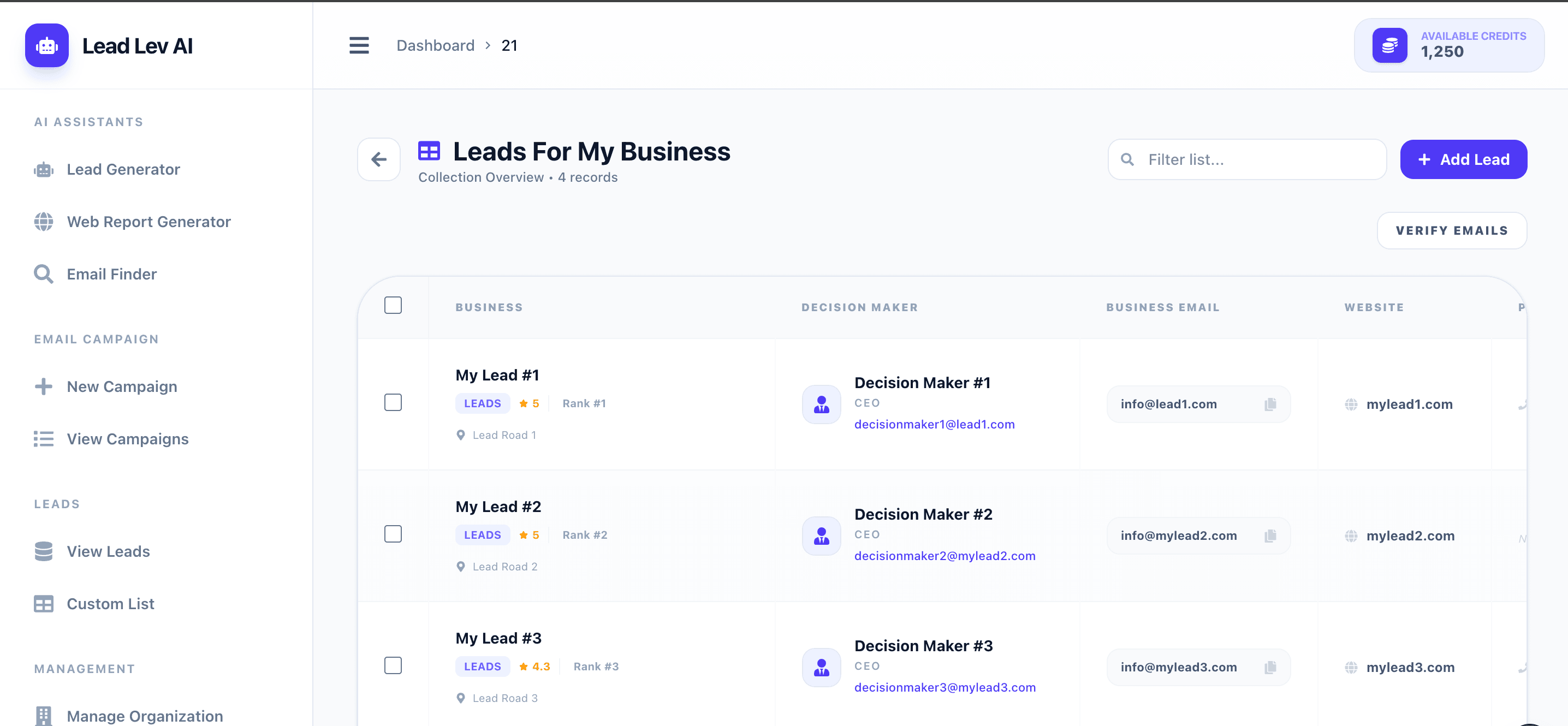
After the AI finishes generating and processing your request, all the collected leads are automatically compiled and listed in the View Leads page.
Custom Lists
Need to manage your own specialized contacts outside of the generated leads? You can create Custom Lists by visiting the Custom List page.
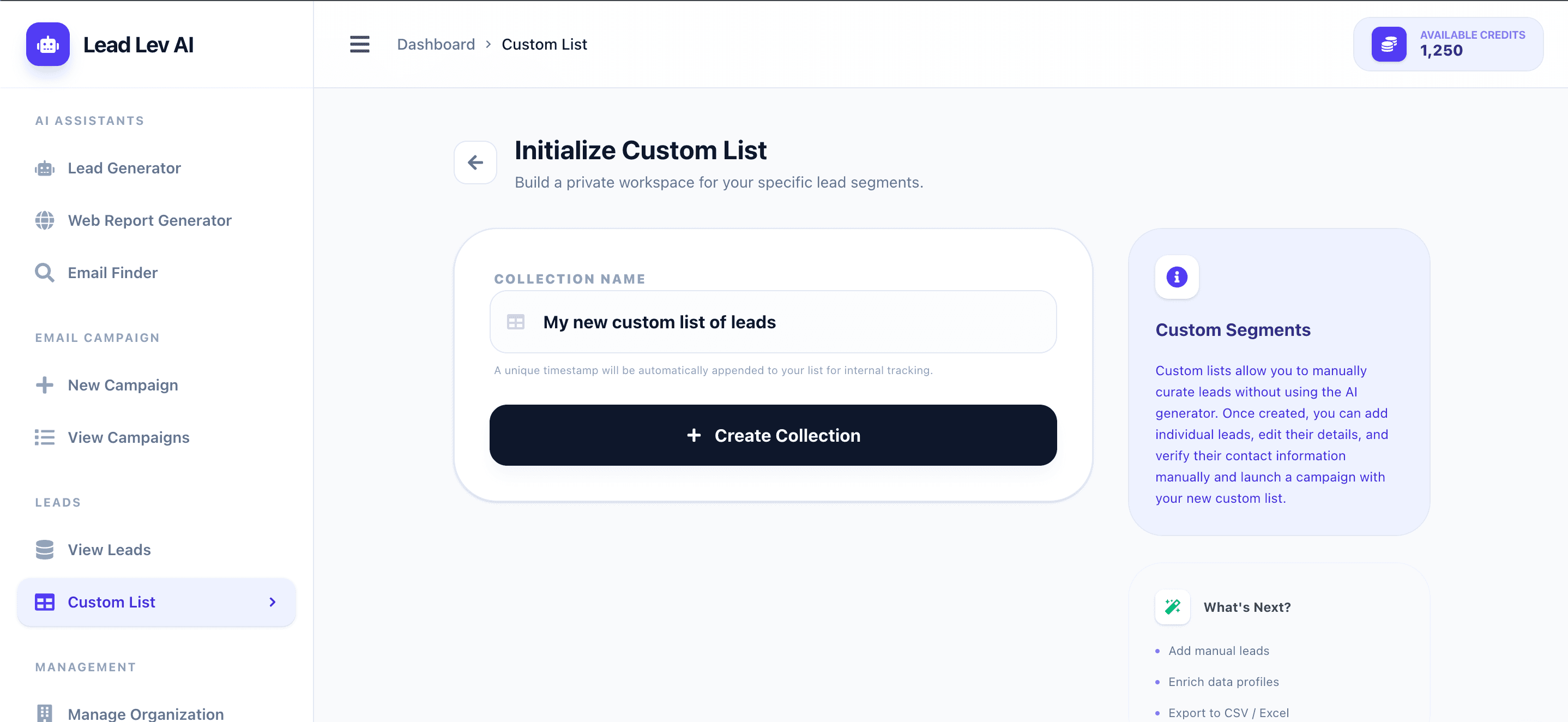
- 1First, write the name of your new custom list and submit it to initialize it.
- 2Next, add your own leads into the newly created custom list.
Email Verification
Any lead list, whether AI-generated or custom-generated, can have its emails verified. AI-generated leads initially go through an email search using the domain of the lead, however, some emails may still slip through the cracks and go undetected. Once you click the Verify Emails button, it verifies if each individual email is valid.
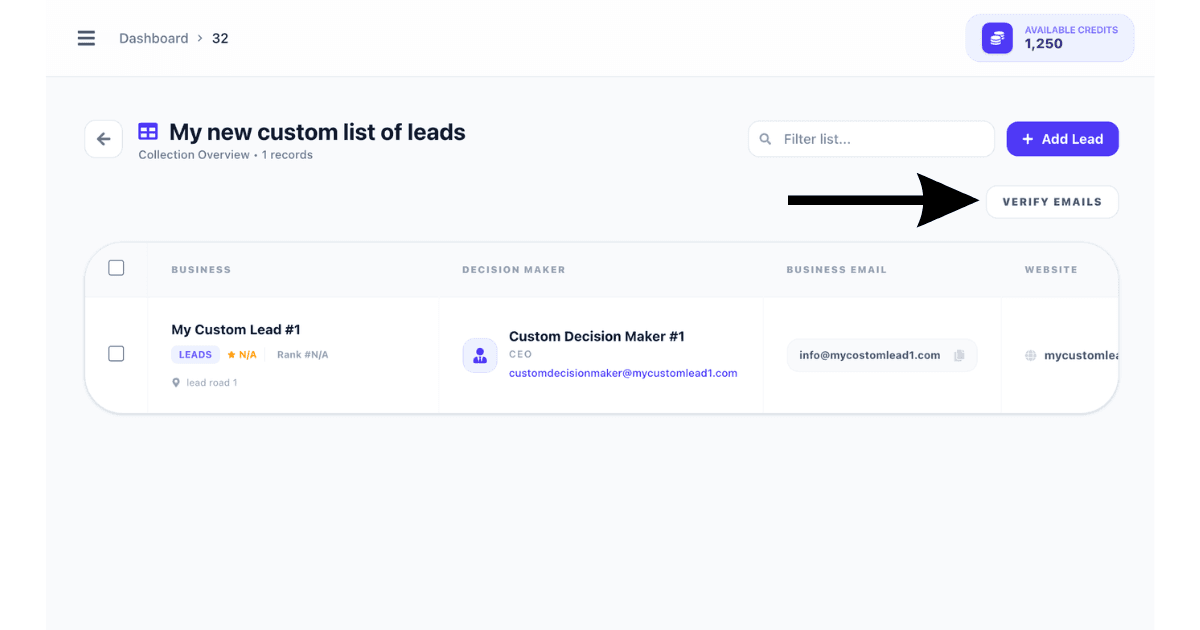
When you initiate the verification process, it's important to note that only leads with an email validity status of untested will undergo verification. This ensures efficient processing by focusing solely on unchecked addresses.